Sublimation ink and regular inkjet ink are not interchangeable. Using the wrong ink in either printer type will produce failed transfers, wasted substrates, and potential damage to your print heads. Understanding the difference is one of the most important technical foundations for anyone starting or scaling a sublimation decorating operation.
At JOT Imaging Essentials, we have been distributing sublimation equipment and supplies across North America for over 37 years. As an authorized Sawgrass partner with a direct relationship with their technical team, the guidance in this article reflects real-world experience from thousands of production setups, not manufacturer marketing copy.
This guide covers how each ink type works, why they behave differently under heat, what happens when you use the wrong ink, and how to make the right choice for your production setup.
How Sublimation Ink Works
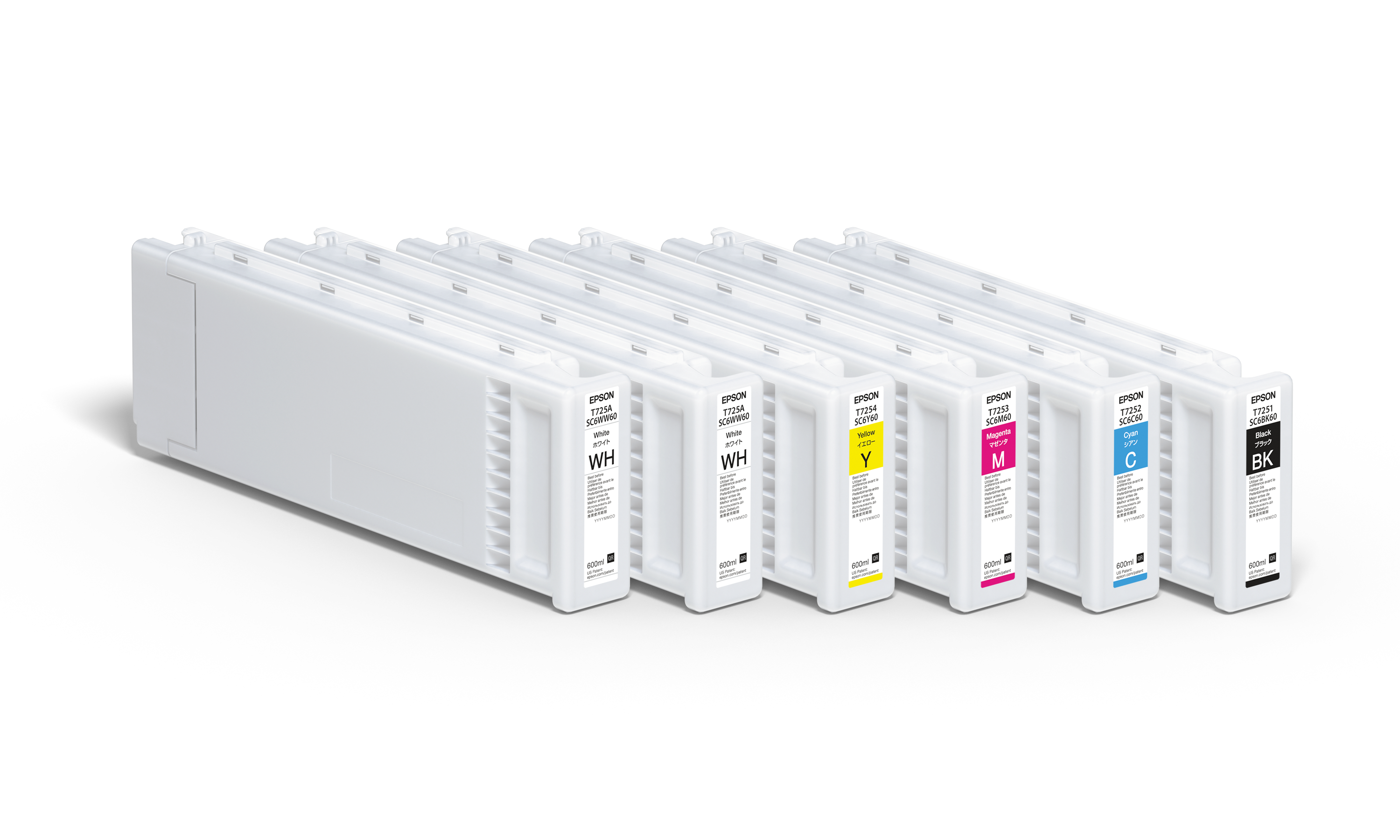
Sublimation ink is a dye-based ink specially formulated to undergo a phase change when exposed to heat and pressure. At temperatures around 400°F (roughly 200°C) with controlled press pressure and time, the ink converts directly from a solid state to a gas, bypassing the liquid phase entirely. That gaseous dye penetrates the polymer structure of compatible substrates and bonds at a molecular level.
The result is a print that is embedded into the surface, not sitting on top of it. This is why sublimation output is exceptionally durable: it does not crack, peel, or fade with washing the way surface-level prints do. The color becomes part of the material itself.
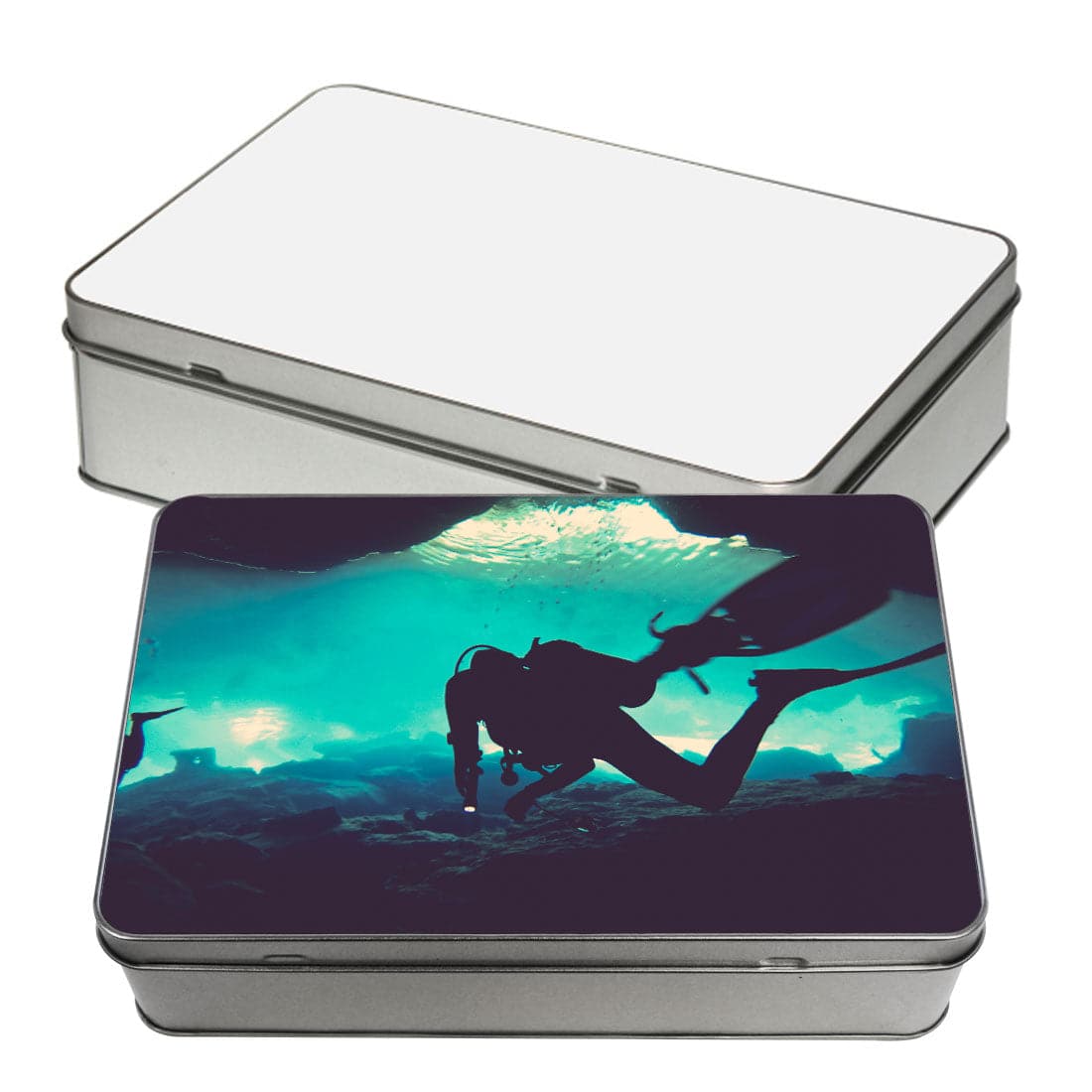
Sublimation only works on polyester fabrics and polymer-coated hard substrates. The polymer structure is what allows the dye to bond. Cotton, wood without coating, and uncoated metals will not accept sublimation transfers because there is no compatible polymer for the dye to embed into.
How Regular Inkjet Ink Works
Standard inkjet ink is water-based and designed to sit on the surface of paper or other media. It works by depositing pigment or dye particles onto the substrate, where they dry in place. There is no phase change involved. The ink stays where it lands.
Regular inkjet ink is engineered for color accuracy and fast-drying performance on coated papers, cardstocks, and specialty media. It produces excellent results for its intended purpose: document printing, photo printing, and graphic output on paper-based media.
Under heat press conditions, regular inkjet ink does not gasify the way sublimation ink does. It burns, smears, or simply does not transfer. It lacks the specific chemical compounds required for the sublimation phase change process.
The Core Chemical Difference
The key distinction comes down to formulation. Sublimation ink contains disperse dyes suspended in a carrier solution designed to release cleanly under heat. When the temperature reaches the activation threshold, those dyes sublimate and migrate into the substrate.
Regular inkjet ink uses different dye or pigment compounds that are stable under normal conditions and do not undergo the same phase change. Applying heat press temperatures to a regular inkjet print will not produce a sublimation transfer. The chemistry simply does not work that way.
This is not a matter of ink quality or brand. No amount of heat, pressure, or technique will make regular inkjet ink behave like sublimation ink. They are fundamentally different products designed for fundamentally different processes.
What Happens When You Use Regular Ink in a Sublimation Setup
If you attempt a sublimation transfer using regular inkjet ink, the transfer will fail. The print will not migrate into the substrate under heat. You will be left with either a blank substrate or a faint, smeared residue on the transfer paper.
The substrate side of the equation is also a concern. Regular inkjet ink can leave residue on your heat press platen and on your blanks, particularly with mugs, tiles, and coated aluminum panels. Cleaning contaminated press platens takes time and increases the risk of contaminating future transfers.
From a cost perspective, failed transfers mean wasted blanks, wasted transfer paper, and wasted production time. For a shop running volume, even a small percentage of failed transfers adds up quickly.
What Happens When You Use Sublimation Ink in a Regular Printer
Using sublimation ink in a printer not designed for it creates a different set of problems. Sublimation ink has different viscosity and chemical properties than standard inkjet ink. Most regular inkjet printers have print heads calibrated for standard ink formulations.
Running sublimation ink through incompatible print heads can cause clogging, inconsistent ink flow, and reduced print head lifespan. The warranty on most consumer inkjet printers is voided if third-party or incompatible inks are used.
There is also a color accuracy issue. Sublimation ink color profiles are calibrated for the sublimation transfer process, where colors shift during the heat press phase. Printing sublimation ink on a regular printer without sublimation-specific ICC profiles will produce inaccurate color output even if the ink does flow through the printer without clogging.
Printer Compatibility: What You Actually Need
Sublimation printing requires a printer specifically designed or converted for sublimation ink. There are two categories:
Dedicated Sublimation Printers
Dedicated sublimation printers come from the factory ready to run sublimation ink. Sawgrass is the leading manufacturer in this category and the company that pioneered sublimation ink formulated specifically for desktop digital printers, starting in 1988. That decades-long focus on ink chemistry and color management is what separates Sawgrass from generic alternatives.
These printers include sublimation-specific print heads, firmware calibrated for sublimation ink viscosity, and integrated color management software that accounts for the heat transfer color shift.
Dedicated sublimation printers are the recommended choice for commercial operations and serious hobbyists. They eliminate compatibility uncertainty and are supported with manufacturer warranties specific to sublimation use.
Converted Inkjet Printers
Certain Epson EcoTank and Epson WorkForce models can be converted to run sublimation ink by flushing the factory ink and replacing it with third-party sublimation ink. Converted printers offer a lower entry point in terms of hardware cost, but they require more setup knowledge, manual color profile configuration, and careful ongoing maintenance.
Printer conversion is a separate topic with its own set of considerations, compatibility requirements, and operational trade-offs. It is worth researching in detail before committing to that approach.
Color Output and Print Quality Differences
Sublimation ink is formulated to produce vivid, saturated color after the heat transfer process. The final color output on a sublimated substrate is significantly different from what appears on the transfer paper before pressing. Sublimation prints typically look dull or undersaturated on paper and reach full color intensity only after the heat press cycle completes.
Regular inkjet prints are designed to look accurate immediately after printing. What you see on the paper is close to the final output. There is no heat-activated color development phase.
This difference has practical implications for color management. Sublimation shops use ICC profiles specific to their printer, ink, and substrate combination to predict what the post-press color will look like. Without proper color management, sublimation output can be inconsistent even when the ink and printer are correct.
Ink and Substrate Compatibility: A Reference Framework
| Ink Type | Compatible Substrates | Transfer Method | Durability | Color Accuracy Requirement |
|---|---|---|---|---|
| Sublimation ink | Polyester fabric, polymer-coated hard substrates | Heat press (approx. 400°F, 60 seconds) | Permanent, wash-resistant, embedded in substrate | Sublimation ICC profiles required |
| Regular inkjet ink | Coated paper, cardstock, photo paper, specialty media | No heat transfer required | Surface-level, susceptible to scratching and moisture | Standard color management |
| Pigment inkjet ink | Fine art paper, canvas, archival media | No heat transfer required | Surface-level, UV-resistant formulations available | Standard color management |
Common Mistakes That Cost Decorators Time and Money
Using sublimation paper with regular ink
Sublimation transfer paper is designed to release sublimation ink cleanly during the heat press cycle. It does nothing to improve the performance of regular inkjet ink. Using sublimation paper with regular ink wastes the paper and produces a failed transfer.
Assuming any Epson printer can run sublimation ink without conversion
Not every Epson model is suitable for sublimation conversion. Printer models with sealed ink tanks or cartridge systems not designed for third-party ink are generally not good conversion candidates. Compatibility research is required before purchasing a printer for conversion.
Skipping ICC profiles for color management
Even when the correct sublimation ink and printer are in use, skipping ICC profile calibration leads to unpredictable color output. Reds printing orange, blues printing purple, and skin tones shifting are all signs of missing or mismatched ICC profiles. This is one of the most common quality issues in sublimation shops starting out.
Mixing ink brands or types in the same printer
Running different sublimation ink brands through the same printer without a full flush in between can cause chemical incompatibility, clogging, and color inconsistency. Always flush thoroughly when switching ink sources.
Frequently Asked Questions
Can I use regular inkjet ink for sublimation printing?
No. Regular inkjet ink does not undergo the phase change required for sublimation transfer. It will not migrate into polyester fabric or polymer-coated substrates under heat press conditions. The transfer will fail regardless of temperature, pressure, or timing settings.
Can sublimation ink be used in a regular inkjet printer?
Sublimation ink is not compatible with most standard inkjet printers. Running sublimation ink through incompatible print heads risks clogging and print head damage. Only printers specifically designed for sublimation use or models known to be compatible with sublimation conversion should be used with sublimation ink.
Why does sublimation ink look faded before heat pressing?
Sublimation ink is formulated to achieve full color saturation only after the heat press cycle. The heat activation phase is when the dye fully develops. Prints on transfer paper will always appear lighter or duller than the final pressed output. This is normal and expected behavior.
Does sublimation ink work on cotton?
No. Sublimation ink requires a polyester or polymer structure to bond with. Cotton fibers do not have a compatible polymer structure for sublimation dye to embed into. Sublimation transfers onto cotton fabric will wash out quickly or fail to transfer at all. For cotton decoration, DTF (direct to film) or screen printing are the appropriate methods.
How long does sublimation ink last in a printer if not used regularly?
Sublimation ink can dry in print heads if a printer sits unused for extended periods. Most sublimation printer manufacturers recommend printing at least a small test print or running a head cleaning cycle weekly to keep the ink flowing and prevent clogging. Storage conditions, particularly temperature and humidity, also affect ink stability in the print head.