Skip to content
en
USD

Score a Goal With the Best Prices

Shop Now

Laser Papers


Laser Transfer Papers for Multi-Surface Custom Product Businesses


Produce Apparel, Hard Goods, and Specialty Transfers with Consistency


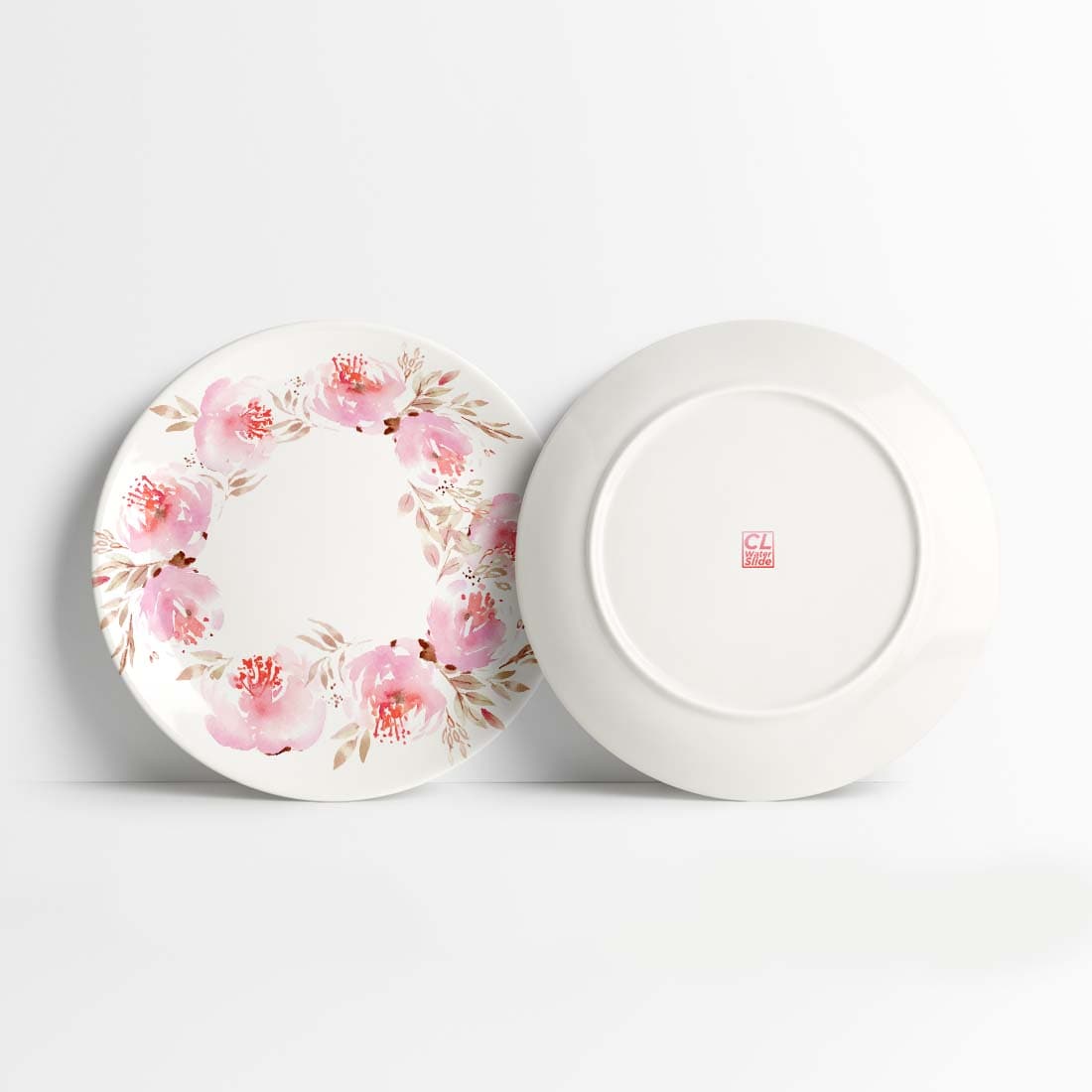
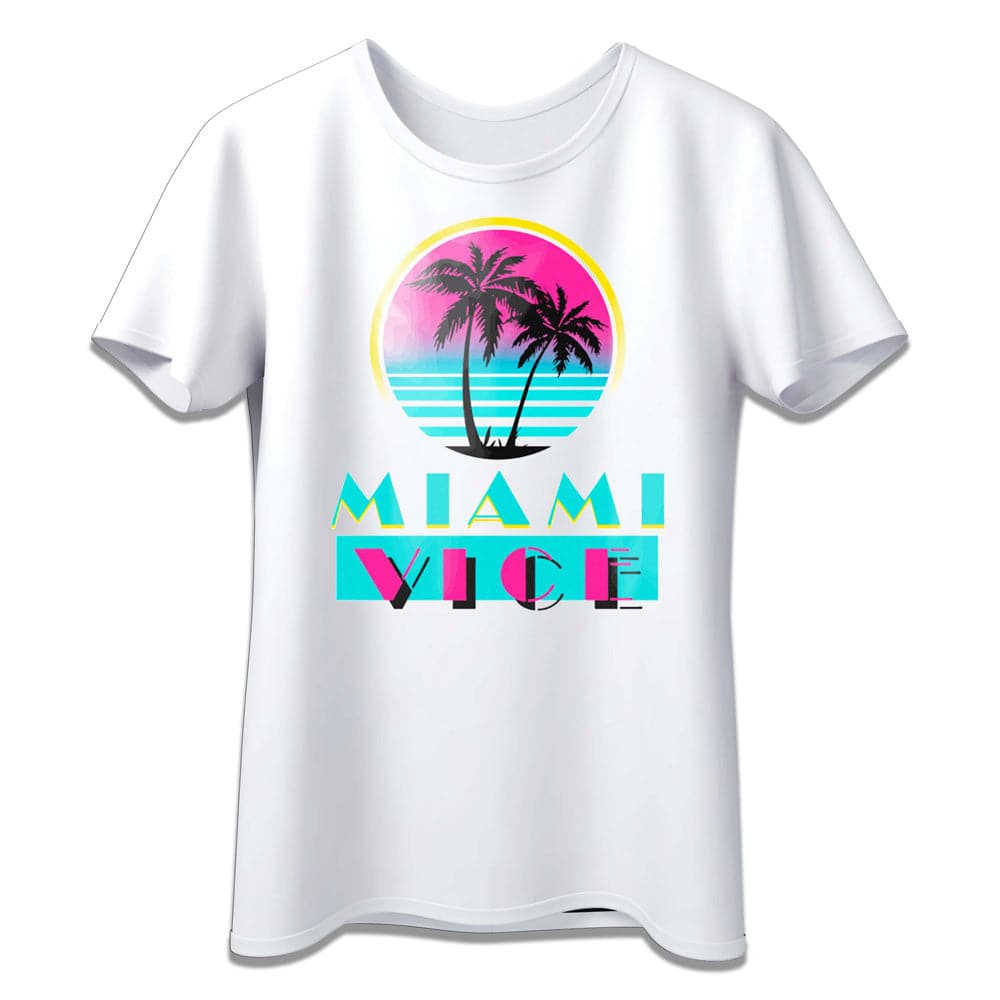
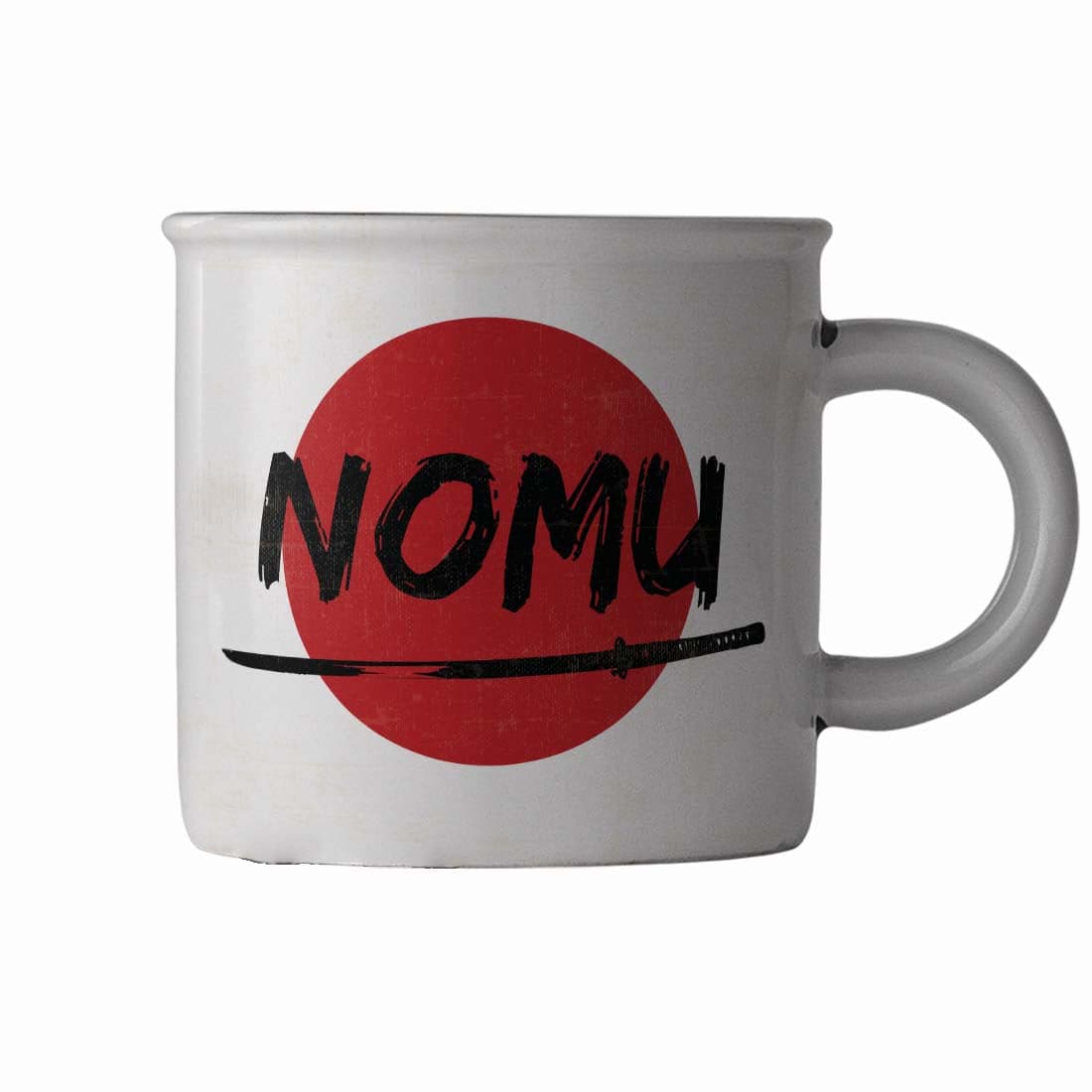
Explore laser transfer papers designed for businesses decorating garments, metal, ceramic, leather, wood, and specialty surfaces.
Achieve sharp detail, reliable adhesion, and repeatable press performance across different substrates.
Ideal for expanding product offerings while maintaining consistent, retail-ready output.


Filter

13 products

  • Sort by

Frequently Asked Questions:

What is the primary use of Joto laser papers in custom heat transfer printing?

Joto laser papers are primarily used to facilitate the high-quality transfer of full-color photographs and intricate designs onto light and dark fabrics, as well as various hard surfaces. Engineered for compatibility with both CMYK and white toner laser printers, these papers enable the decoration of cotton, polyester, and porous solids like mouse pads and coasters without the need for manual weeding. By utilizing advanced coating technology, Joto laser papers ensure excellent wash resistance and vibrant color reproduction for professional-grade custom apparel and promotional products. At Joto Imaging Supplies, we offer these versatile transfer solutions to help businesses streamline their production and achieve high-resolution results on a wide array of substrates.

Which printer brands and specialized media are compatible with Joto laser heat transfer papers?

Joto laser heat transfer papers are engineered for high-performance compatibility with leading LED and laser printer brands, including UniNet iColor, OKI, Ricoh, and HP. Our specialized media collection features Paropy and iColor series papers designed for diverse applications such as 2-step textiles for dark garments and 1-step hard surface transfers for wood, metal, and ceramics. These transfer sheets are optimized to withstand the high-heat fusing process of toner-based systems, ensuring superior wash fastness and vibrant color reproduction. To achieve professional results, we recommend utilizing white toner printers to ensure maximum opacity and color depth on both light and dark substrates.

How can I properly store and handle laser transfer papers to ensure long-lasting durability and prevent moisture-related feed issues?

To maintain the integrity of Joto laser transfer papers, store them in a cool, dry environment with a relative humidity between 40% and 50% to prevent the sheets from curling or absorbing excess moisture. Always keep the paper in its original resealable plastic bag until use to protect the specialized coating from environmental contaminants and humidity fluctuations that cause multi-sheet feed issues. Before printing, allow the paper to acclimate to the room temperature for at least 24 hours to ensure optimal toner adhesion and smooth passage through your LED or laser printer. Following these professional handling protocols at Joto Imaging Supplies ensures high-quality transfers and prevents costly downtime caused by paper jams.

How do I properly apply laser transfer papers to different substrates using a heat press for optimal results?

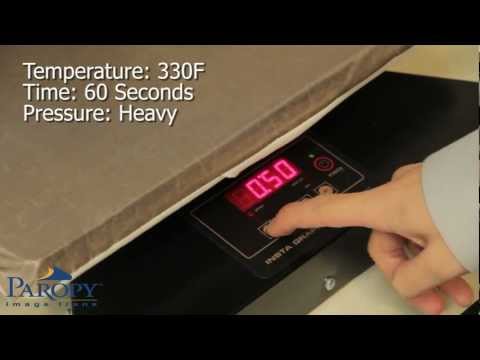
To properly apply laser transfer papers, start by selecting the specific paper type designed for your substrate, such as hard surfaces or light/dark textiles, and ensure your heat press is calibrated to the recommended temperature and pressure. For two-step papers, marry the transfer sheet with the adhesive sheet using a consistent, heavy-pressure press cycle before performing a hot or cold peel as specified by the product instructions. Always use a high-quality silicone pad or parchment paper to protect the transfer surface and ensure even heat distribution for a durable, professional-grade finish. Following these precise application parameters is essential for achieving maximum washability and vibrant color reproduction on all laser-compatible materials.

What is the most common cause of poor transfer quality or peeling when using laser transfer papers?

The most common causes of poor transfer quality or peeling with laser transfer papers are incorrect heat press temperature and insufficient pressure during the application process. If the heat is too low, the toner and polymer coating will not fully fuse to the substrate, while uneven pressure prevents a complete bond across the entire design surface. To ensure long-lasting durability and vibrant results, always calibrate your equipment and strictly follow the specific dwell time and peeling temperature instructions for each Joto laser paper variety. Consistent maintenance of your heat press and the use of high-quality transfer media are essential to preventing image lifting and achieving professional-grade custom apparel.

How can I achieve professional-grade color vibrancy and high-quality results with laser papers?

To achieve professional-grade color vibrancy with laser papers, it is essential to use high-quality transfer media paired with a properly calibrated CMYK+W LED printer and specialized RIP software to manage toner density. Ensuring your heat press is set to the exact temperature and pressure specifications for the specific paper type is critical for a complete toner transfer and maximum color saturation. Utilizing high-opacity white toner as an underbase on dark substrates will significantly enhance the brilliance and pop of the colors. Regular maintenance of your printer's fuser and imaging drums ensures consistent heat distribution and clean image reproduction for high-quality results.

How can investing in high-quality laser papers improve the long-term profitability and cost-per-print efficiency of your custom imaging business?

Investing in high-quality laser papers significantly enhances long-term profitability by ensuring consistent toner adhesion and reducing costly misprints across diverse substrates. These premium transfer media are engineered to withstand high fuser temperatures, maintaining structural integrity and preventing paper jams that can lead to expensive equipment downtime. By utilizing professional-grade papers, you achieve superior color density and washability, which improves customer retention and maximizes the cost-per-print efficiency of your LED transfer printer. Joto Imaging Supplies provides technical-grade laser papers that streamline the production of high-margin custom apparel and hard surfaces, ensuring a professional finish with every press.

What are the recommended storage conditions and safety precautions for handling laser heat transfer papers?

Laser heat transfer papers should be stored in a cool, dry environment with a relative humidity between 40% and 50% to prevent moisture absorption and ensure consistent toner adhesion. To maintain the integrity of the specialized coating, keep the media in its original airtight packaging and avoid exposure to direct sunlight or extreme temperature fluctuations. When handling the papers, always use clean, dry hands or protective gloves to prevent surface contamination from skin oils that can lead to imaging defects. Following these storage and handling protocols ensures optimal feeding through LED transfer printers and maintains the high-quality durability required for professional garment decoration.

How do laser papers compare to sublimation or heat transfer vinyl in terms of production speed and substrate versatility?

Laser transfer papers offer superior production speed by eliminating the labor-intensive weeding required for heat transfer vinyl and the long dwell times associated with sublimation. Unlike sublimation, which is restricted to polyester-based materials, laser papers provide greater substrate versatility by allowing for high-quality transfers on both cotton and various hard surfaces. Utilizing a professional LED transfer printer with Joto laser papers ensures a rapid, full-color workflow that significantly improves throughput for short-run custom apparel and promotional items. This efficient technology minimizes setup costs and maximizes profitability by streamlining the transition from digital design to finished product.

How can I optimize fuser temperature and pressure settings for laser-papers to ensure maximum washfastness and prevent toner cracking on high-performance synthetic fabrics?

To optimize washfastness and prevent toner cracking on high-performance synthetic fabrics, adjust your laser printer’s fuser mode to a heavy or extra-heavy setting to increase heat exposure and ensure a permanent bond. Utilize a high-pressure heat press at approximately 250°F to 265°F and consider a finishing sheet like T.Seal to further lock the toner into the fabric fibers. For maximum durability, always mirror your design, perform a second press to break the coating, and advise customers to wait 24 hours before washing inside-out in cold water. Joto Imaging Supplies recommends these technical calibrations to ensure professional-grade, crack-resistant results on heat-sensitive textiles.

aaa

Drawer Title

Similar Products