Skip to content
en
USD

Score a Goal With the Best Prices

Shop Now

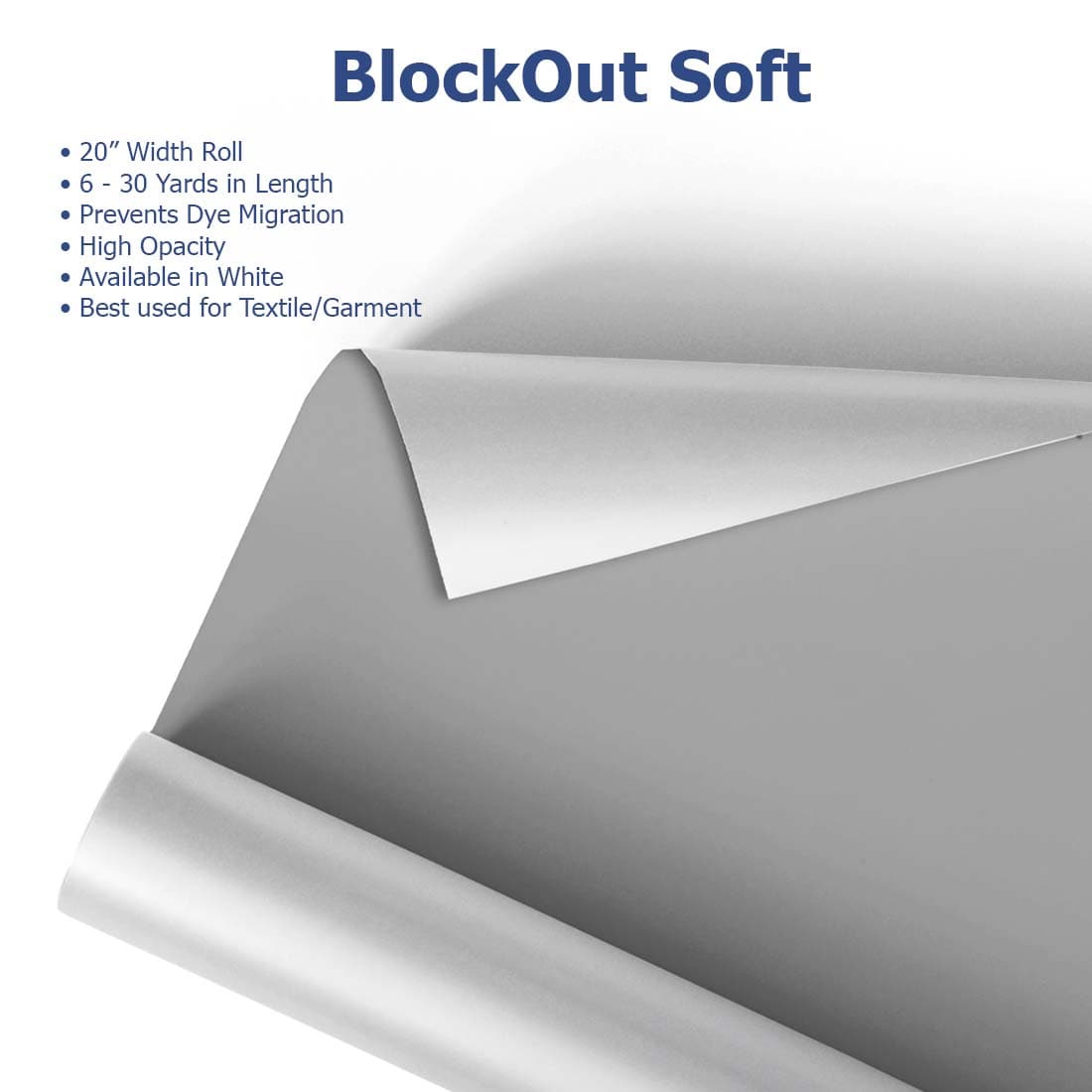
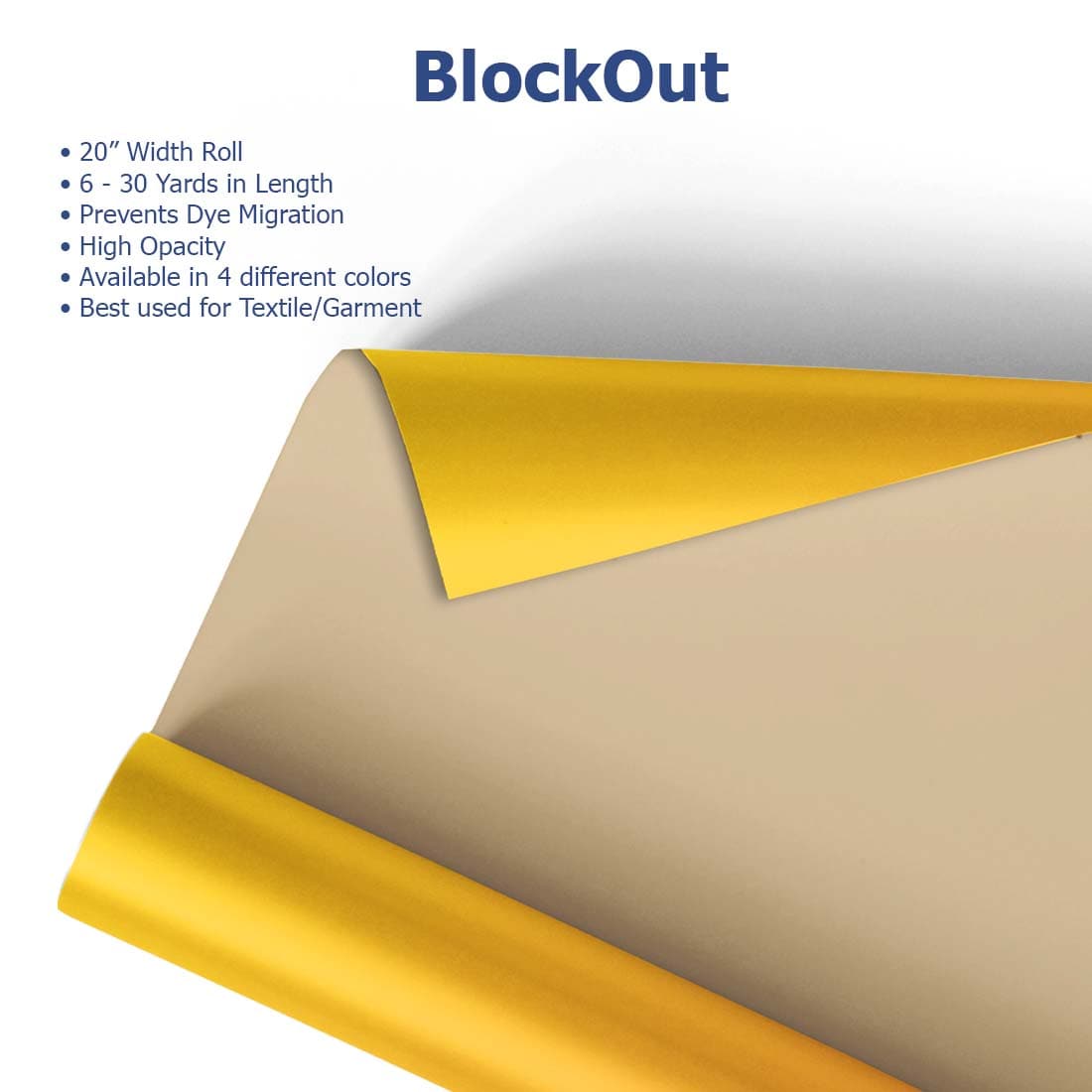
MultiCut™ BlockOut Cuttable Vinyl

MultiCut™ BlockOut Cuttable Vinyl for Professional Apparel Decorators


Prevent Dye Migration and Maintain Clean, Vibrant Prints


MultiCut™ BlockOut Cuttable Vinyl is engineered for businesses decorating polyester and performance garments where dye migration is a risk. The built-in block layer helps preserve color accuracy, ensuring consistent, retail-ready results across repeat production runs.

Filter

2 products

  • Sort by

Frequently Asked Questions:

What is the primary use for MultiCut BlockOut cuttable vinyl?

MultiCut BlockOut cuttable vinyl is specifically engineered as a high-performance heat transfer solution designed to prevent dye migration on 100% polyester and sublimated fabrics. By utilizing a specialized built-in blockout layer, this vinyl ensures that vibrant colors and crisp whites remain untainted by the underlying garment dyes. It is the ideal choice for customizing professional sportswear and athletic jerseys that require maximum opacity and long-lasting durability on synthetic substrates. Joto Imaging Supplies provides this technical solution to help apparel decorators maintain superior results while ensuring the integrity of the finished garment's design.

What are the recommended fabric types and heat press settings for applying MultiCut BlockOut cuttable vinyl?

MultiCut BlockOut cuttable vinyl is specifically engineered for 100% polyester, sublimated fabrics, and dark blends where preventing dye migration is critical. For optimal results, apply the vinyl using a professional heat press at a temperature of 310-330°F (155-165°C) for 15 seconds under medium pressure. This specialized HTV ensures high opacity and vibrant designs on challenging athletic jerseys while maintaining a soft hand feel and excellent wash resistance. Always remember to peel the carrier sheet warm to achieve a professional, durable finish on your customized garments.

How can I ensure the long-term durability and proper wash care of garments customized with MultiCut BlockOut cuttable vinyl?

To ensure the long-term durability of garments customized with MultiCut BlockOut cuttable vinyl, wait at least 24 hours after heat application before performing the first wash to allow the adhesive to fully bond. Launder the apparel inside out using cold or warm water and a mild detergent, avoiding the use of bleach or aggressive fabric softeners that can compromise the specialized sub-block layer. For optimal results and to prevent peeling, tumble dry on a low-heat setting or hang the garment to air dry. Following these professional care protocols will maintain the vibrant color and superior opacity of your heat transfer vinyl designs through repeated wash cycles.

How do you properly cut, weed, and heat apply MultiCut BlockOut cuttable vinyl to ensure perfect opacity and professional results on polyester garments?

To properly apply MultiCut BlockOut cuttable vinyl, start by mirror-cutting the material using a 45-degree blade with sufficient pressure to penetrate the vinyl while leaving the carrier intact. After weeding away excess material, pre-press your 100% polyester or sublimated garment to remove moisture and wrinkles before positioning the transfer. Heat press the design at 265°F (130°C) for 10 seconds using medium pressure to activate the specialized blockout layer and prevent dye migration. Finally, peel the carrier warm or cold to achieve a professional, opaque finish with superior adhesion and lasting color integrity.

What are the most common mistakes to avoid when cutting or pressing MultiCut BlockOut vinyl to prevent dye migration or poor adhesion?

One frequent error is using standard heat transfer vinyl on sublimated polyester, which lacks the necessary barrier to prevent dye migration. Applying excessive heat or pressure can also reactivate garment dyes, so it is critical to follow the low-temperature settings of 265°F (130°C) specifically recommended for MultiCut BlockOut. Additionally, failing to perform a test press on sample fabrics can lead to unforeseen bleeding or poor adhesion due to unstable garment inks. To ensure professional results, always verify that your cutting depth is calibrated to avoid damaging the specialized blockout layer during the weeding process.

How can I achieve professional-grade color vibrancy and print quality when using MultiCut BlockOut cuttable vinyl?

To achieve professional-grade color vibrancy and print quality with MultiCut BlockOut cuttable vinyl, it is essential to use a high-quality heat press with accurate temperature and pressure calibration to ensure the specialized sub-block layer remains intact. Since this is a cuttable heat transfer vinyl rather than a printable media, maintaining the original color brilliance relies on following precise application settings of 300°F to 320°F for 8 to 10 seconds with medium pressure. Properly weeding intricate designs and ensuring the garment is pre-pressed to remove moisture will optimize the adhesive bond and prevent dye migration on polyester fabrics. Using sharp plotter blades and correct offset settings will further ensure crisp edges and professional-quality results across all production runs.

How can switching to MultiCut BlockOut cuttable vinyl improve my business's production efficiency and overall cost-effectiveness?

Switching to MultiCut BlockOut cuttable vinyl enhances production efficiency by utilizing a specialized sub-block layer that eliminates the need for complex multi-layering or expensive ink systems to prevent dye migration on polyester garments. This high-performance heat transfer vinyl features superior weeding characteristics and quick heat application settings, significantly reducing labor time and increasing throughput for high-volume orders. By preventing bleed-through on sublimated fabrics, you reduce material waste and costly garment replacements, ensuring consistent, high-quality results from the first press. Investing in this premium blockout film optimizes your workflow and improves overall profit margins by delivering durable, opaque designs with professional-grade reliability.


What are the recommended storage conditions and safety precautions for MultiCut BlockOut cuttable vinyl to ensure long-term performance?

To ensure the long-term performance of MultiCut BlockOut cuttable vinyl, store the material in a cool, dry environment with temperatures between 60°F and 75°F and a relative humidity of approximately 50%. Keep the vinyl in its original packaging and store rolls vertically or on a rack system to prevent pressure marks and preserve the integrity of the specialized sub-block layer. Avoid exposing the media to direct sunlight or extreme temperature fluctuations, as these conditions can compromise the adhesive backing and heat transfer properties. Always handle the rolls with clean, dry hands to prevent surface contamination, ensuring optimal adhesion and opacity during the heat press process.


How does MultiCut BlockOut cuttable vinyl compare to traditional screen printing or sublimation for preventing dye migration on polyester garments?

MultiCut BlockOut cuttable vinyl offers a superior solution for preventing dye migration on polyester garments compared to traditional screen printing or sublimation, which often struggle with ink bleeding on sublimated fabrics. This specialized heat transfer vinyl features a built-in blockout layer that acts as a physical barrier, ensuring that fabric dyes do not seep into and discolor the applied design. While sublimation is limited to light-colored polyester and screen printing requires expensive bleed-resistant additives, MultiCut BlockOut provides consistent opacity and vibrant color on any dark or sublimated textile. By utilizing this high-performance media, decorators can achieve professional results with significantly less setup time and a lower risk of material spoilage.

How can you optimize plotter blade pressure and offset settings to ensure precise cutting and easy weeding of MultiCut BlockOut vinyl while maintaining the integrity of its specialized sub-block layer?

To optimize plotter performance for MultiCut BlockOut vinyl, begin with a test cut to calibrate blade pressure so it penetrates the film without damaging the specialized sub-block layer or the release liner. Setting a precise blade offset, typically between 0.25mm and 0.50mm depending on your equipment, is essential for ensuring sharp corners and effortless weeding of intricate athletic lettering. Maintaining a moderate cutting speed will enhance tracking accuracy, preventing the vinyl from lifting during the process and preserving the integrity of the heat transfer material. By consistently monitoring blade wear and adjusting downforce, decorators can achieve professional-grade results and maintain perfect opacity on sublimated polyester garments.

aaa

Drawer Title

Similar Products